
Images
This page covers the image button: finding a free photo or making an image for an upload field, and what happens to the image you choose.
The image button
Image upload fields (Filament's FileUpload, when it accepts images) in the resources Ghostwriter writes for get a Ghostwriter link beside their label. It opens a panel titled "Image for" and the field's place, such as "Image for Hero: Image".
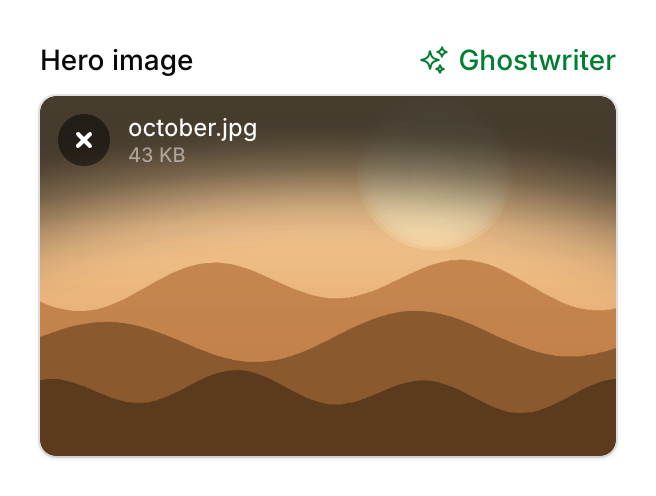
Ghostwriter reads the Builder block or Repeater row the field is in, then the rest of the form, then looks at the images other records use in the same place. Everything it finds or makes is chosen for that spot.
The panel has up to two tabs, Find a photo and Make one, shown only when both are available.
Turning the button off
- For a whole panel:
GhostwriterPlugin::make()->imageButton(false). - For one field:
FileUpload::make('avatar')->ghostwriter(false).
The button only appears on the Create and Edit pages of resources Ghostwriter writes for, with the trait added, for people allowed to use Ghostwriter. It's also hidden when there's no way to get an image: no photo library (Openverse off and no library key), and no OpenAI or Gemini key.
Find a photo
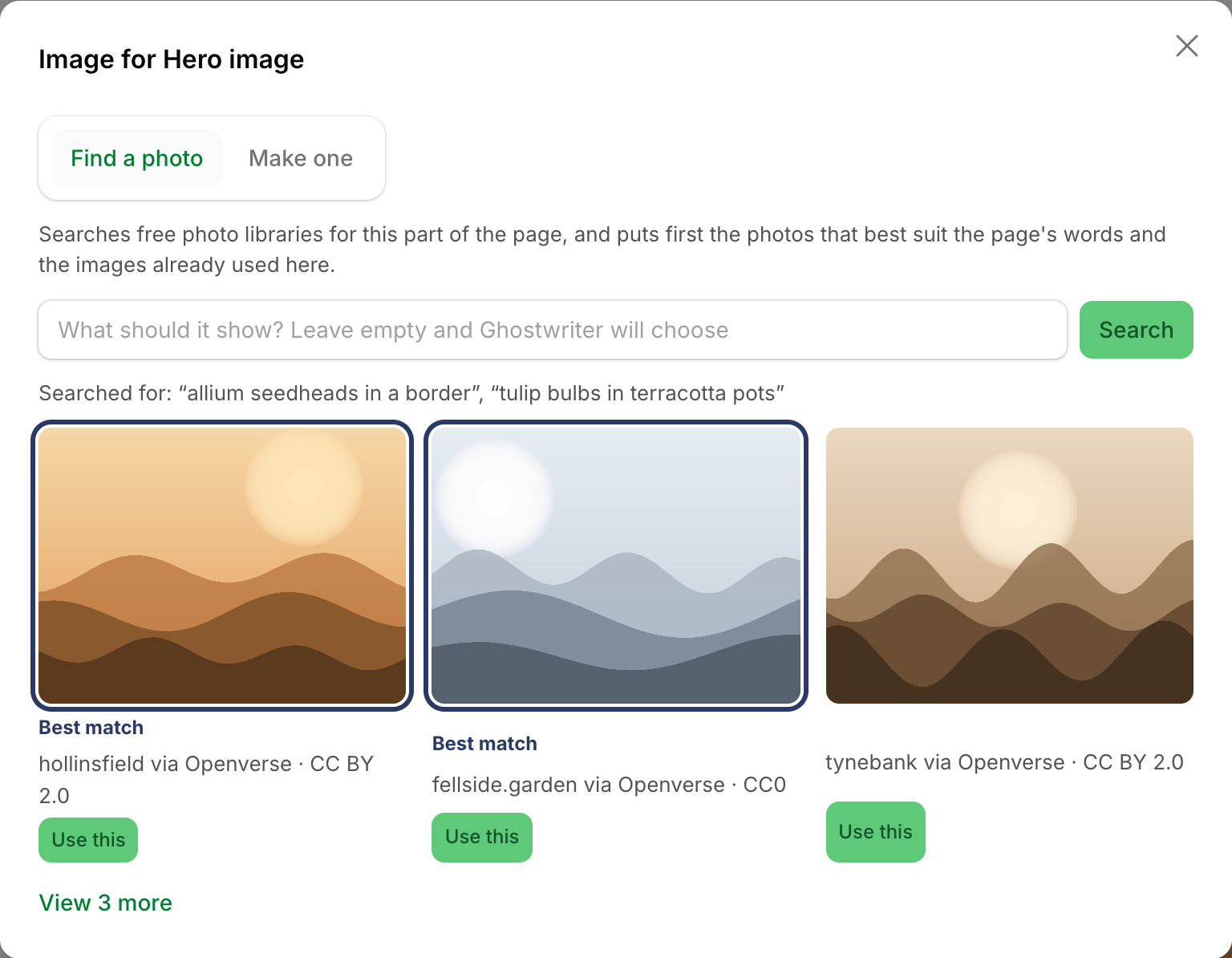
Searches free photo libraries, then has the model rank what comes back. It ranks against the block's and page's words, and against the images already used in that place when there are any. The tab's intro says so: the photos that best suit the page's words and the images already used there come first.
- Type what the picture should show, or leave it empty and Ghostwriter chooses three searches from the block and page. Searched for: … above the results lists every search that ran, which explains odd results.
- The model checks each photo's subject against the page, using the library's own description of it too, and leaves clear misses out. With images already in that place, it also matches their style. Without any, a line says the photos were compared with the page only.
- If nothing fits, Ghostwriter searches again with better words the model suggests. If that finds nothing suitable either, the photos are shown as the libraries returned them, with a line saying none clearly suits the page.
- The three best come first, and View N more shows the rest. They're marked Best match only when the model judged them. Without a writing key, or if the model call fails, a line says they weren't compared, and none is marked.
- Where no other record has an image in that place yet, the panel says there's no style to match.
- Each photo shows its credit and licence. Click the photo, or Use this, to choose it.
Libraries searched:
| Library | Needs | Licence of what's found |
|---|---|---|
| Openverse | nothing (switch off with Search Openverse) | CC0 or public domain only |
| Unsplash | UNSPLASH_ACCESS_KEY |
Unsplash licence |
| Pexels | PEXELS_API_KEY |
Pexels licence |
| Pixabay | PIXABAY_API_KEY |
Pixabay licence |
See API keys for getting the free keys.
Names, alt text and credits
A chosen photo's file name, title and alt text come from the library's own title and description of it, falling back to the search that found it. For example, "terracotta-pots-in-a-potting-shed-x7k2qa.jpg".
A FileUpload field stores only a file path, so Filament has nowhere of its own for alt text or a credit. Two ways to keep them:
-
An alt text field beside the upload. Name it on the upload field and Ghostwriter fills it with the library's description of the photo (at most 125 characters), in the same Builder block or Repeater row:
FileUpload::make('image')->image()->ghostwriterAlt('image_alt'),
TextInput::make('image_alt')->label('Alt text')->ghostwriter(false),
Single-image fields only. The alt text is filled when the photo is put in, so the person can still change it before saving.
-
The
PhotoKeptevent, for apps that keep alt text, titles or credits in their own columns or a media table. It's fired when a photo is saved to the disk, before the form holds it:use NineteenNinetyFour\Ghostwriter\Filament\Events\PhotoKept; Event::listen(PhotoKept::class, function (PhotoKept $kept) { Media::updateOrCreate(['disk' => $kept->disk, 'path' => $kept->path], [ 'alt' => $kept->alt, 'title' => $kept->title, 'credit' => $kept->photo->credit, 'credit_url' => $kept->photo->creditUrl, 'licence' => $kept->photo->licence, ]); });$kept->resourceis the resource's handle and$kept->statePaththe upload field's place in the form.
Where a library asks for a credit (Unsplash and Pexels do) and you don't store it as above, add it to your content yourself, for example in a caption field. Ghostwriter tells Unsplash each time one of its photos is used, as Unsplash's guidelines ask.
Make one
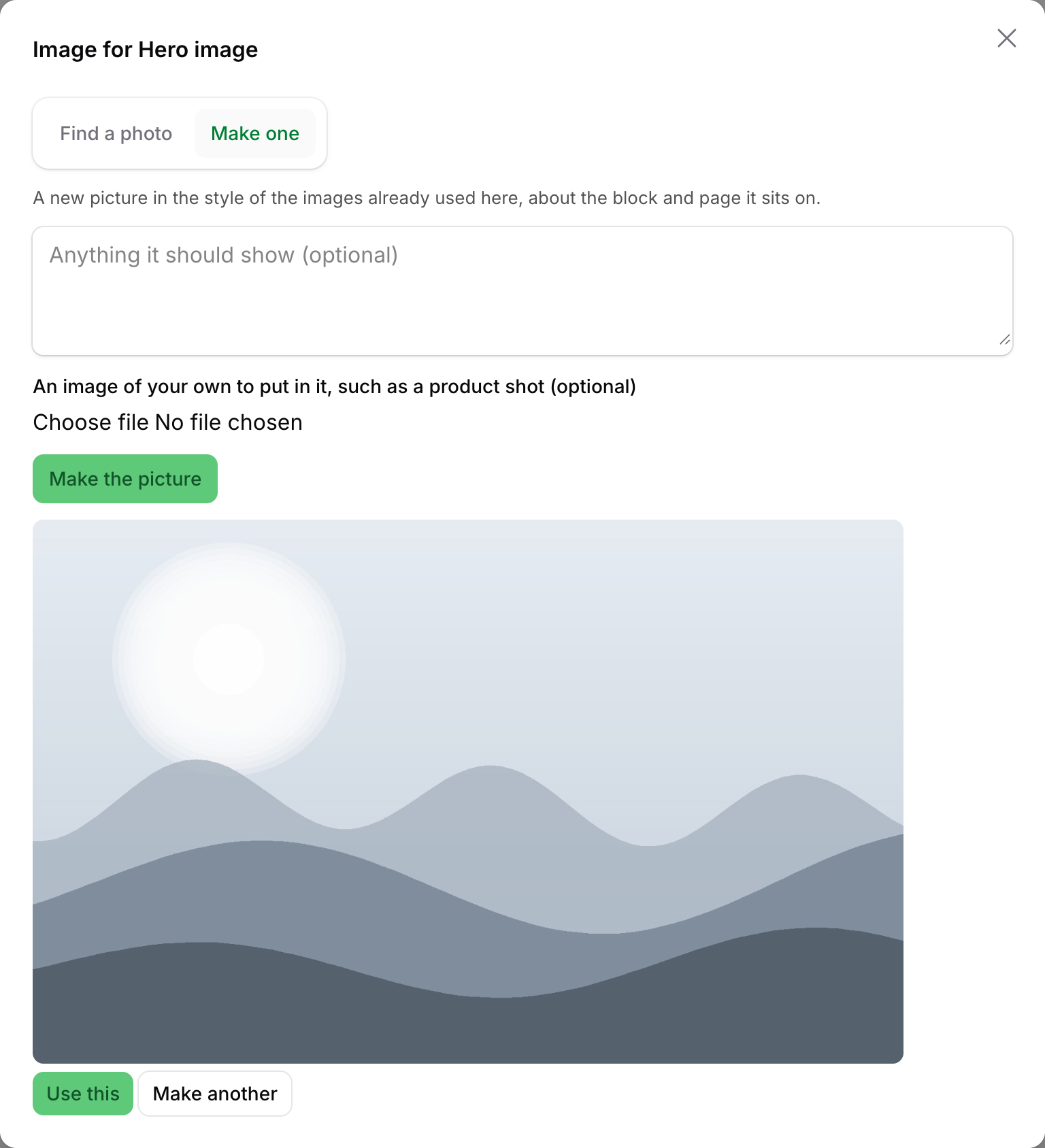
Makes a new picture in the style of the images already used there, about the block and page it sits on. It needs an OpenAI or Gemini key (Claude doesn't make images); the tab is hidden without one.
- Anything it should show (optional): steer the picture.
- An image of your own to put in it (optional): a product shot or similar, to include in the picture.
Click Make the picture. It takes a minute or two. Use this puts it in the field; Make another tries again.
What happens when you choose one
The image you choose is saved to the field's own disk and directory, named after the photo (or, for a made picture, what it was asked to show, or the page), and put into the field:
- In a single-image field it replaces what was there.
- In a multiple-image field it's added. If the field already holds as many images as it takes (its
maxFiles()), the panel says This field is full and offers nothing until you remove one. - A striped placeholder (see below) is replaced either way.
A notification says "Image added. Save to keep it." Nothing is saved to the record until you save the form. Pictures made but not used wait on the local disk under ghostwriter/images and are cleared after a day.
Placeholders
When a draft is used and leaves an image field empty, where the resource's published records usually have an image in that place (more than half of them do) or the field is required, Ghostwriter puts in a striped placeholder (ghostwriter-image-placeholder.png, on the field's disk). This shows where pictures go. A field that already holds an image in the form, chosen or uploaded while the piece was being written, keeps it. The notification after Use this draft lists the placeholders. Replace each one with the image button before publishing.
Turn placeholders off with Mark images still to choose in the settings.
Requests are private
A photo search or a made image belongs to the person who asked for it. Nobody else can open it, even with conversations shared. Requests are kept with Ghostwriter's working state, and made images not used are cleared after a day.